For project X, I decided to create immersive virtual gallery with collection of my favourite paintings using Three.js.The aim was to design a space that feels like a real gallery visit but from a web browser.
Inspiration:
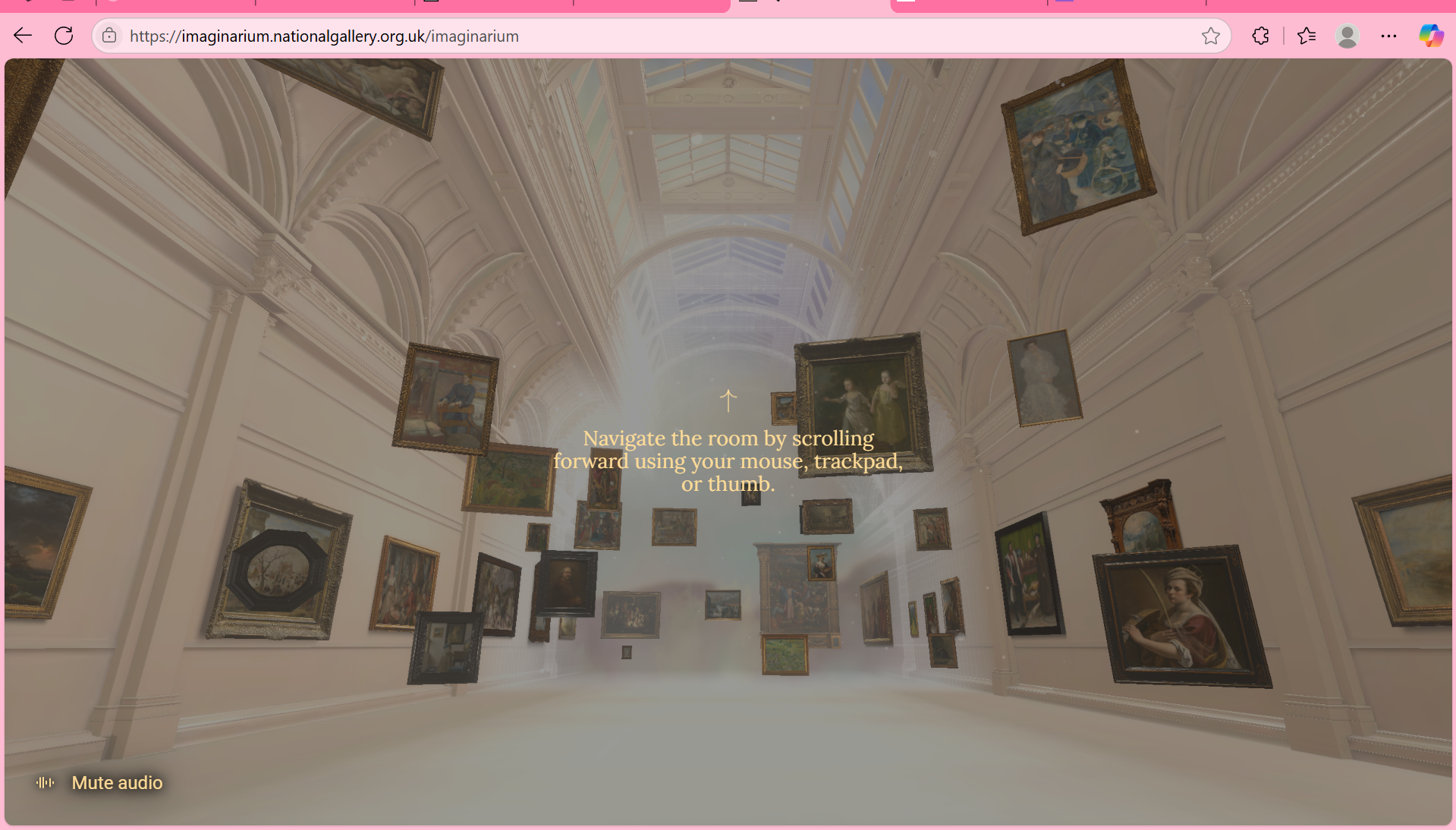
For my Virtual gallery, the biggest inspiration I took from RijksMuseum and Rembrand House Museum. I also looked various virtual galleries online like - "I was born a girl",National Gallery Imaginarium.
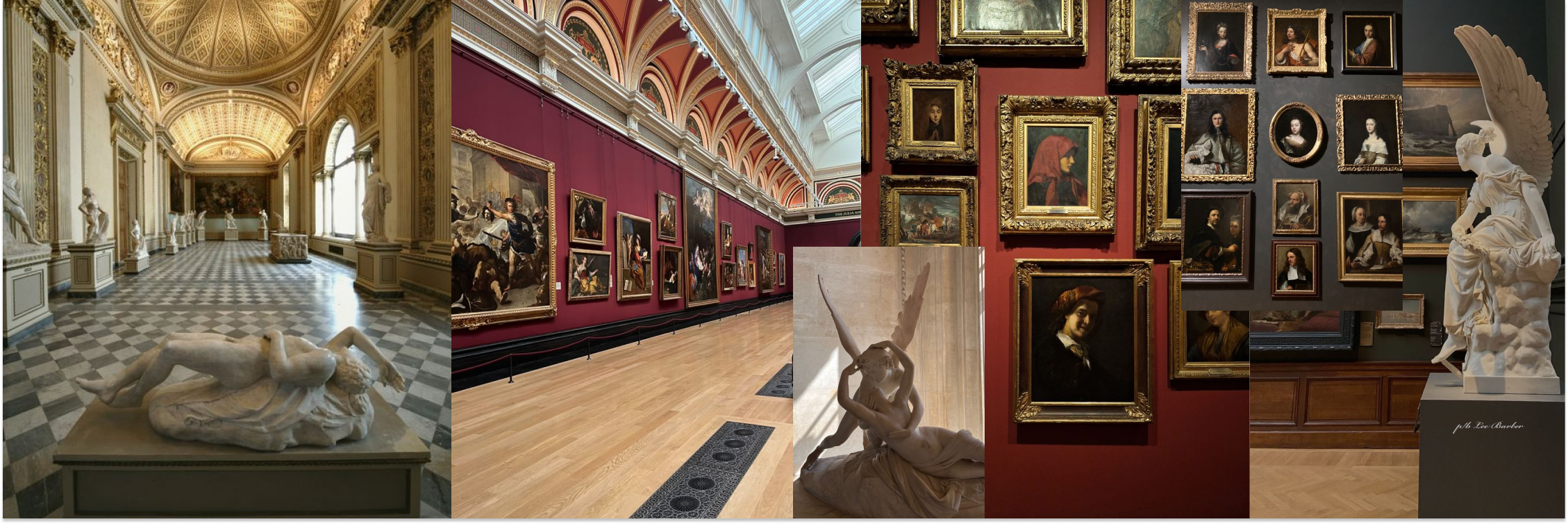
Mood board:
I took a lot of inspo for it from Pinterest to help me create a mood board that is resonating with the desired from me design
Organization:
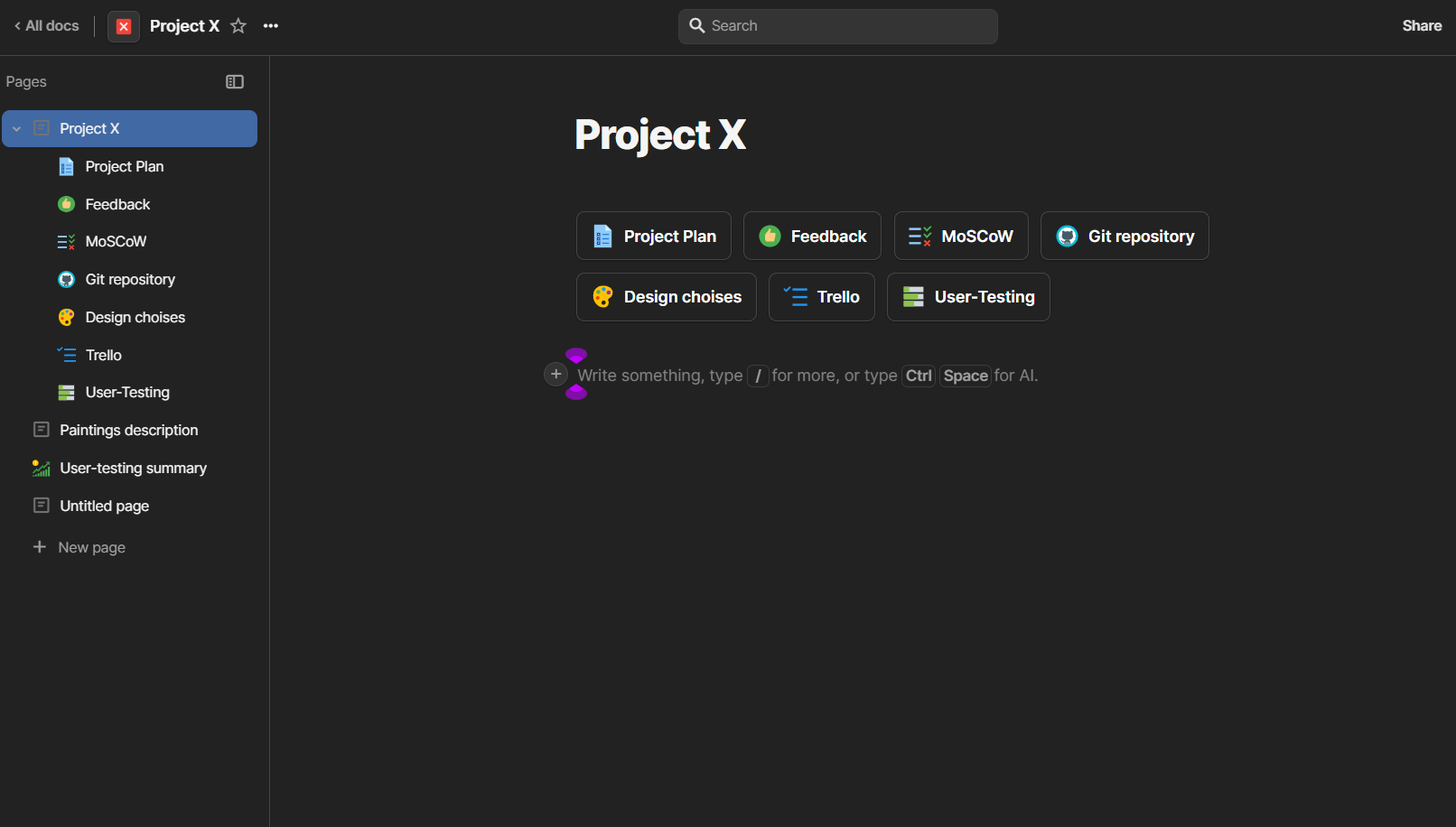
For organizing my files I created a folder in Coda where I kept everything regarding the project- design choices, project plan, user-testing, MoSCoW, git repository, Trello board.
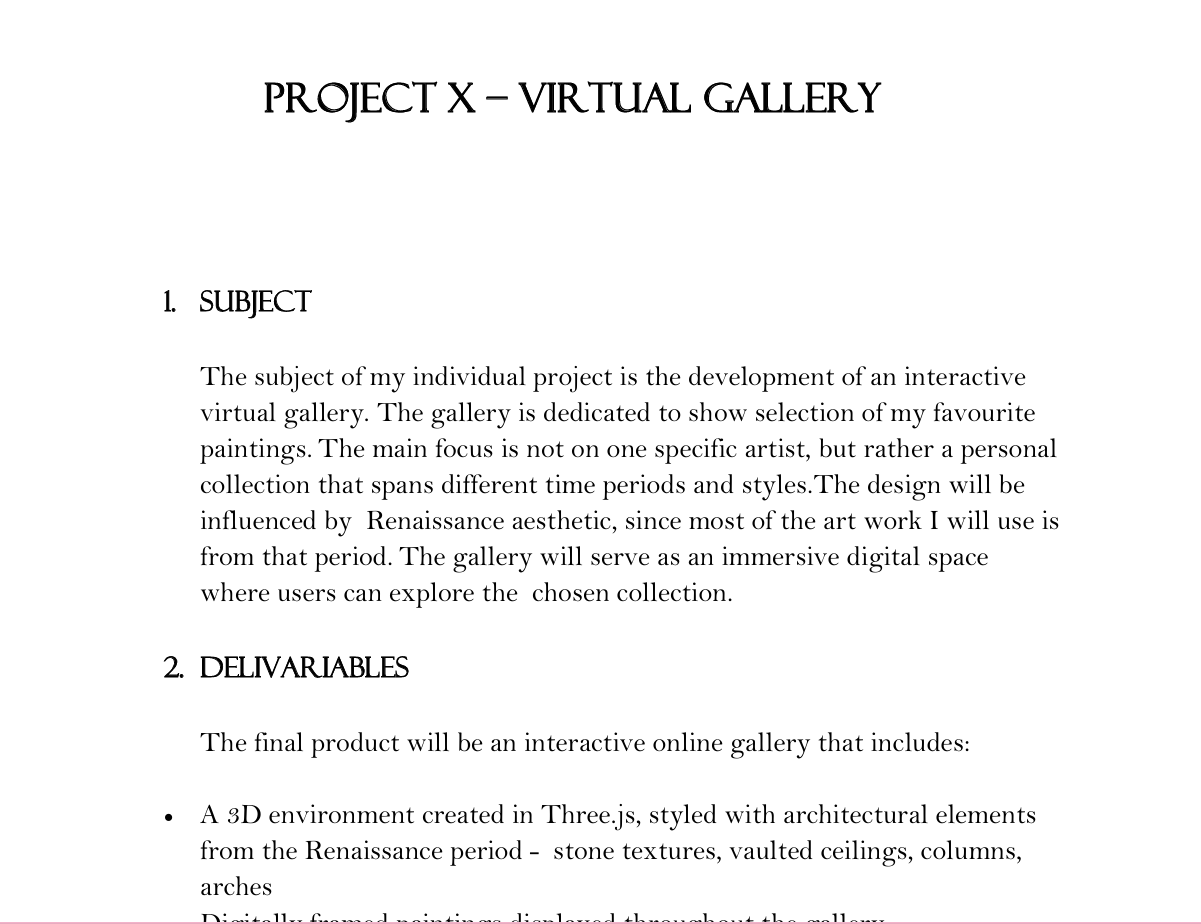
Project plan:
My first step from my project was writing a project plan including:deliverables, learning outcomes, development phases, risks, and contact details. . This plan helped me structure the project
MoSCoW:
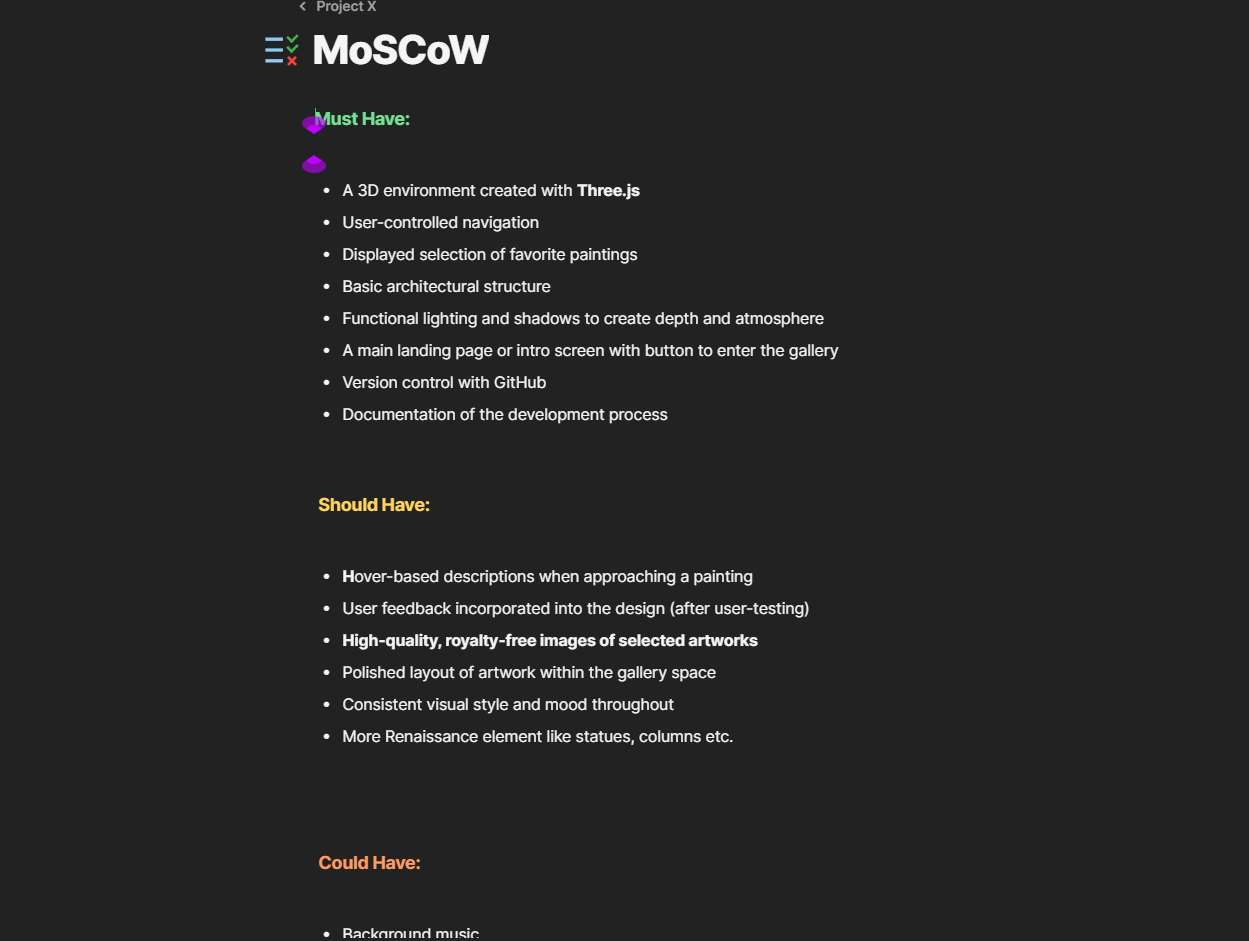
After making a project plan, I created a MoSCoW to define my priorities – what features I must have, should have, could have, and won’t include. This helped me stay focused and avoid spending time on things that weren’t essential.
Version Control:
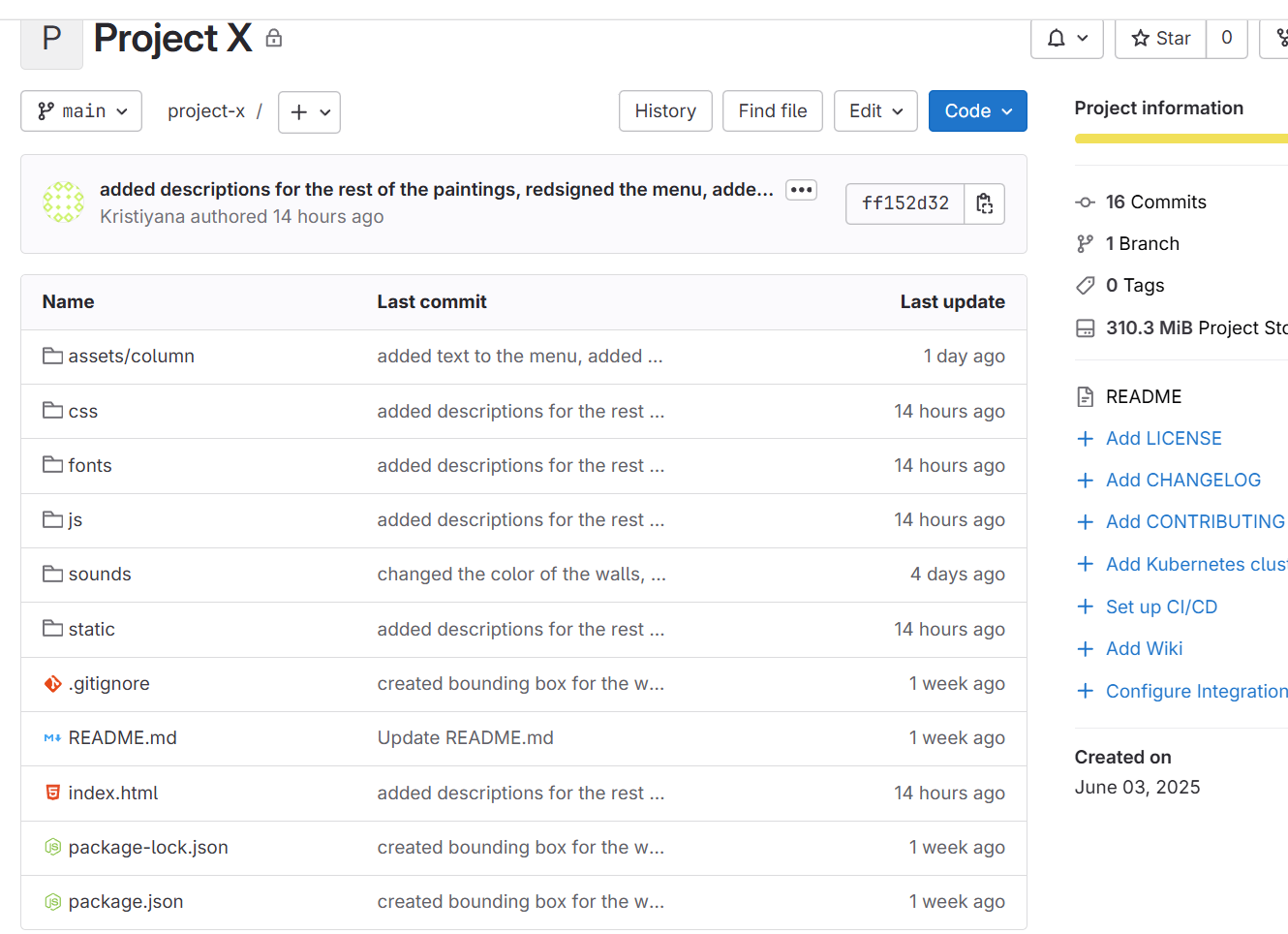
I created git repository, invited my teacher and wrote a README file. I committed and pushed my changes regularly to keep everything backed up and documented.
Developing process:
Since I never worked with Three.js before I followed YouTube tutorial to create the basics of my virtual gallery. Then I started customizing it – adding my own style and improving the layout and features so it reflects my vision rather than just copying the tutorial.Final product here-Virtual Gallery or look at the video from the right(volume up for full experience)
User-test:
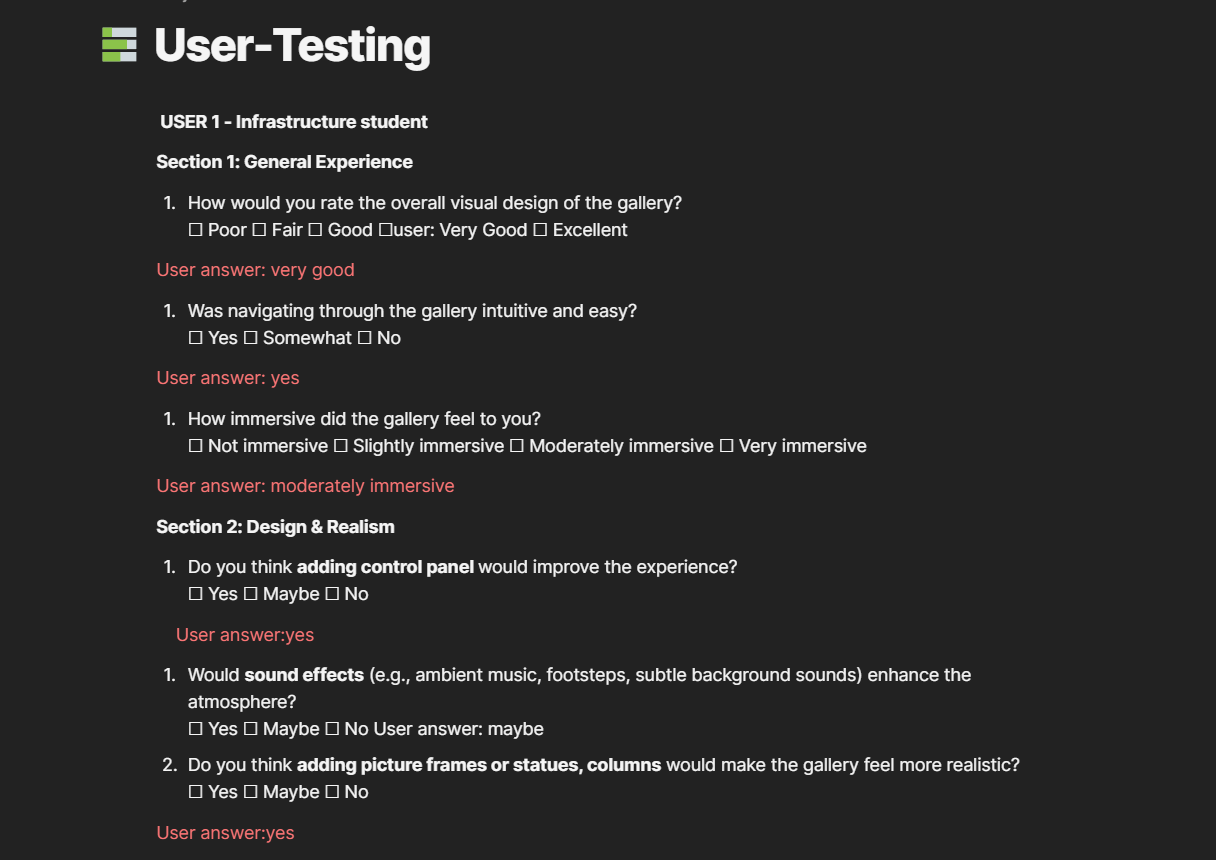
When I was about 80% done with the gallery, I ran two user-tests one with a media design student and one with an intro-level student. Their feedback helped me make design improvements, like using one consistent wall color, changing the ceiling texture, and redesigning the info boxes next to each painting.
Reflection:
I’m really proud of what I created. I learned so much about Three.js, but also improved my JavaScript and overall design skills. There were moments where the project felt challenging, but I pushed through. I am definitely planning on using Three.js in the future and would try to create more complex projects.